How to Report a Scam Email: Every Provider
A scam email is not just your problem. The same message went to thousands of addresses, and the provider's filters learn from what recipients report. Reporting is the one fraud action where ninety seconds of your time has a measurable effect on other people, and it is also the step that gets a compromised account locked before it does more damage. Reporting takes two minutes and removes the message from other inboxes, and reporting the phishing email lists the address for every major provider.
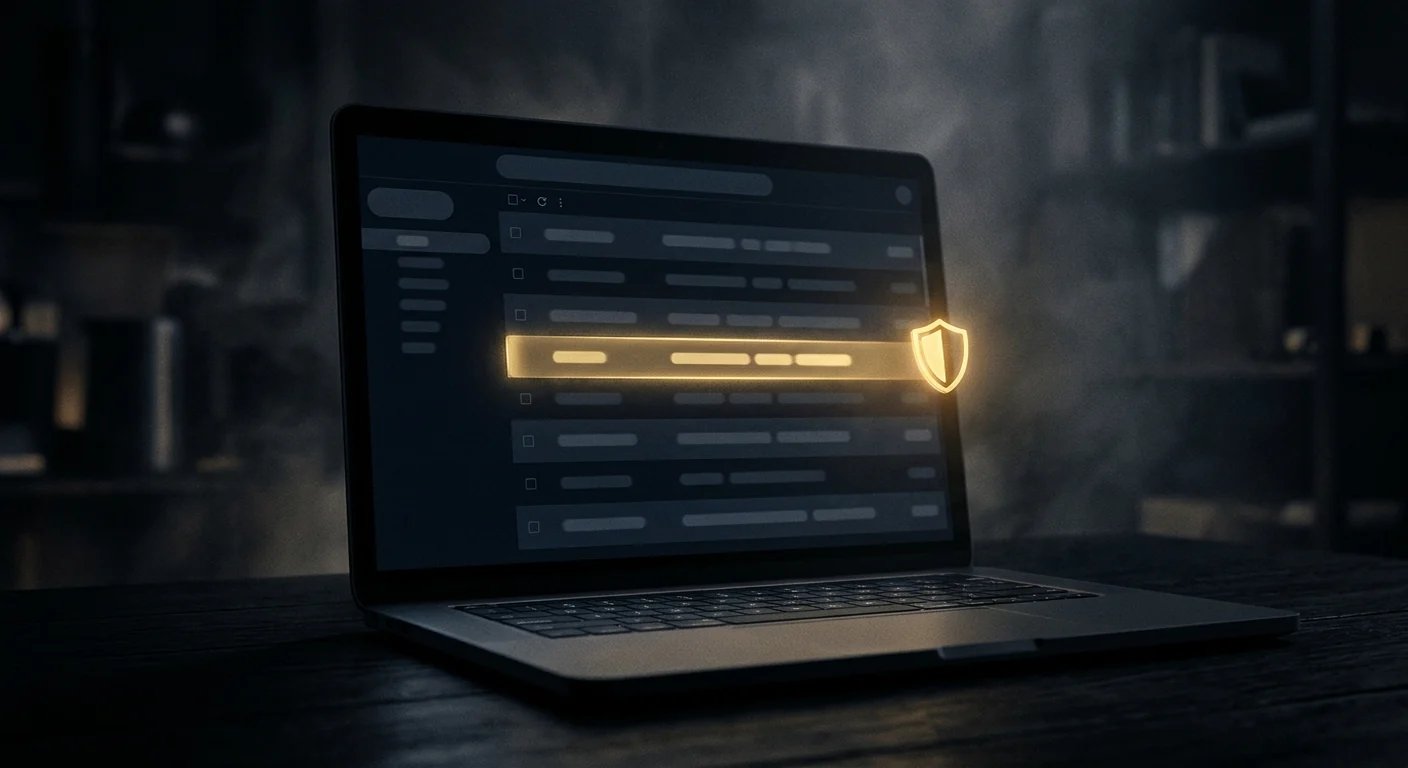
Report, then delete. Deleting alone teaches the filter nothing. The report is the part that matters. Once the header test confirms it, the next step is removal, and how to check whether an email is a scam lists the reporting address for each provider.
The Short Version
- Use the provider's own report button first — it feeds the spam and phishing models directly.
- Forward to the impersonated brand's abuse address as well; that is how the fake domain gets taken down.
- Report to the FTC and, for anything involving a financial loss, to IC3.
- Never reply, never click unsubscribe, never open the attachment to "see what it is".
- If you entered credentials, change the password and revoke sessions before doing anything else.
Why Reporting Beats Deleting
Deleting a phishing email removes it from your inbox and nothing else. Reporting it does three separate things at once, and each one has value.
It trains the filter. Every major provider uses recipient reports as a labelled training signal. A message reported by enough recipients is blocked for everyone, often within hours. This is the single fastest way a phishing campaign dies.
It triggers a domain takedown. When a brand's abuse team receives enough reports of a lookalike domain, it pursues the registrar and the hosting provider. That is what actually removes the fake login page.
It creates a record. If the message led to a loss, the report timestamp is evidence. Providers and law enforcement both use it to establish the sequence of events.
Gmail
Gmail has the cleanest flow and the most consequential one, because a report feeds Google's Safe Browsing and phishing models directly.
- Open the message. Do not click anything inside it.
- Click the three-dot menu at the top right of the message pane.
- Choose Report phishing. Use Report spam only for ordinary junk; phishing is a distinct category and routes to a different queue.
On mobile, the same option is under the three-dot menu in the message view. If the message is already in Spam, opening it and choosing Report phishing still works and still counts.
For a message that impersonates a brand, also forward it as an attachment to the brand's abuse address. In Gmail, use More → Forward as attachment so the original headers survive. Headers are what the abuse team needs to trace the sending infrastructure.
Outlook, Hotmail and Microsoft 365
Outlook's reporting path changed with the new Outlook, and the two versions differ.
New Outlook and Outlook on the web: open the message, click Report in the ribbon, then choose Report phishing. There is also a Report junk option — phishing is the correct choice for credential theft and fake invoices.
Classic Outlook desktop: the Report button appears in the ribbon if your organisation has enabled the Microsoft Report Message add-in. If it is missing, use Junk → Phishing from the message context menu.
Microsoft 365 business tenants: reports route to the tenant's security team through the Submissions portal, which is far more useful than a personal report because an admin can block the sender domain tenant-wide. If you are in a company, report internally as well.
Microsoft also accepts direct submissions at outlook.com/phishing for consumer accounts, which is useful when the in-client button is unavailable.
Apple Mail, Yahoo and Proton
Apple Mail has no dedicated phishing button on iOS. The correct action is to forward the message to [email protected], which Apple monitors. On macOS Mail, use Message → Forward as Attachment to preserve headers. Do not use the "Mark as Junk" option alone — it moves the message but does not report it.
Yahoo Mail uses a shield icon in the message toolbar. Click it and choose Report phishing. Yahoo also accepts reports at help.yahoo.com through the abuse form, which is slower but creates a ticket.
Proton Mail has a Report phishing option in the message's more-menu, and it feeds Proton's own filter. Proton also supports reporting to [email protected] for messages that originated from a Proton address.
| Provider | Where the button is | Fallback address |
|---|---|---|
| Gmail | Three-dot menu → Report phishing | Brand abuse address |
| Outlook (new) | Ribbon → Report → Report phishing | outlook.com/phishing |
| Apple Mail | No button | [email protected] |
| Yahoo | Shield icon → Report phishing | Yahoo abuse form |
| Proton | More menu → Report phishing | [email protected] |
Reporting to the Brand Being Impersonated
This is the step almost everyone skips, and it is the one that gets the fake site taken down.
Every large brand runs an abuse or phishing-report mailbox. Reports there go to a security team that has standing relationships with registrars, hosting providers and certificate authorities. Enough reports and the domain is suspended — often within 24 to 72 hours.
Common addresses: [email protected], [email protected], [email protected], [email protected], [email protected], [email protected]. Banks publish theirs on their security pages. If you cannot find one, the brand's general security contact works.
Forward the message as an attachment, not inline. Inline forwarding strips the headers that let the abuse team identify the sending server and the campaign infrastructure. Add one line: what the message asked you to do, and whether you complied.
FTC, IC3 and the Regulators
Government reporting does not remove the email, but it does two things that matter: it builds the dataset that drives enforcement, and it creates a timestamped record you may need later.
FTC at ReportFraud.ftc.gov — the general consumer fraud portal. Takes about ten minutes. Feeds the Consumer Sentinel database used by thousands of law enforcement agencies.
IC3 at ic3.gov — the FBI's internet crime centre. Use this when money was lost or when the email is part of a business email compromise. IC3 reports are the ones that get aggregated into takedown operations.
NCSC in the UK at [email protected] — forward the message there and the UK's Suspicious Email Reporting Service automatically checks the linked sites and requests takedowns.
If the email impersonated a bank, a tax authority or a government agency, report to that institution's fraud line as well. They have their own takedown processes and they move faster than a general portal.
If You Already Clicked or Entered Details
Order matters here, and the first ten minutes are the ones that count.
- Change the password on the account the email targeted, from a different device if possible.
- Revoke active sessions. A password change alone does not always log out an attacker who already has a token. Every major provider has a "sign out of all devices" control.
- Turn on two-factor authentication, and prefer an authenticator app or a hardware key over SMS.
- Check forwarding rules and recovery addresses. Attackers add a silent forward and a backup email so they keep access after you change the password. This is the step most people miss.
- Tell your bank if any card or account details were entered, and ask for a card freeze rather than waiting to see a charge.
- Report it — provider, brand, FTC, and IC3 if money moved.
If the email came from a colleague's or supplier's real address, that account is compromised. Tell them by a different channel — a phone call — because a reply goes straight to the attacker.
Questions people ask
Does reporting a phishing email actually do anything?
Yes, in three ways: it trains the provider's filter so the message is blocked for others, it contributes to domain takedowns when reported to the impersonated brand, and it creates a timestamped record if there is later a loss.
Should I reply to a scam email to waste their time?
No. A reply confirms your address is live and monitored, which raises its value on resale lists. It also risks a conversation that is designed to manipulate you. Report and delete.
What is the difference between Report spam and Report phishing?
Spam is unwanted but not necessarily malicious. Phishing is credential theft or fraud and routes to a different, higher-priority queue. For anything asking you to log in, pay, or confirm details, choose phishing.
Can I report a scam email if I already deleted it?
Yes, if it is still in Trash or Spam. Open it there and use the report option. If it is permanently deleted, forward what you remember to the brand's abuse address and file with the FTC.
Do I need to report to both the provider and the FTC?
They serve different purposes. The provider removes the message and trains the filter; the FTC builds the enforcement dataset and gives you a record. For a one-off message, the provider is enough. If money was lost, do both.
Check the address before you send anything
A free scan reads public chain data in your browser: balance, activity, counterparties and flags. No wallet connection, no seed phrase, no signup.
Primary sources and further reading
- FTC ReportFraud — the official US consumer fraud reporting portal
- FBI IC3 — federal internet crime complaint centre
- Google — Report phishing in Gmail — the provider's own reporting instructions
- NCSC — Phishing guidance — UK national cyber security centre reporting service
Related guides
Information only. We never promise recovery.