What to Do If You Get Scammed on Apple Pay
The most useful thing to understand about Apple Pay is that it is not a payment system. It is a card, digitised. The money still moves through Visa or Mastercard, the merchant still has an acquiring bank, and the dispute right you have is the one your card issuer gives you. Apple is a technology layer, not a counterparty, and knowing that tells you exactly who to call first. The in-app steps are short but easy to miss, and the Apple Cash dispute route walks through them in order.
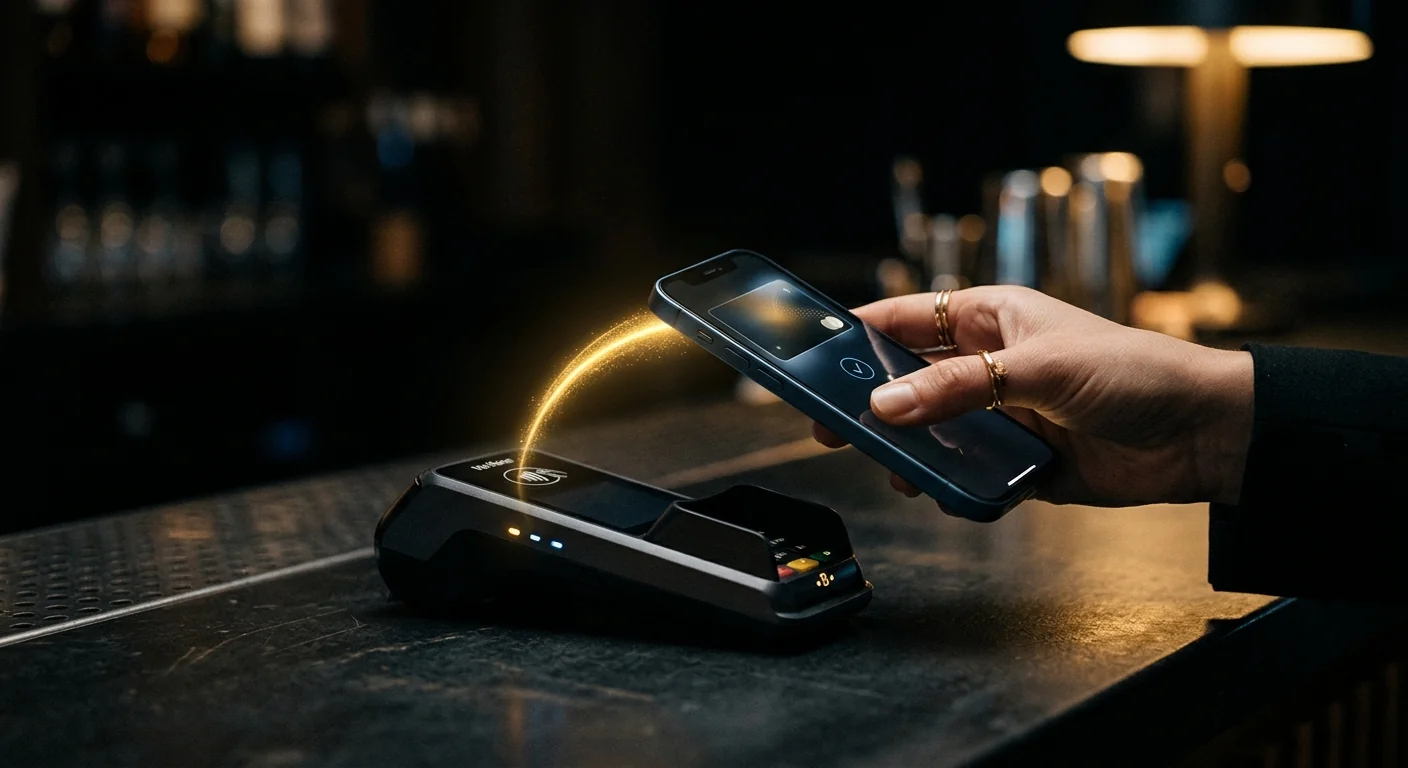
Apple Pay is a card, not a wallet. The dispute right belongs to your card issuer. Apple can help you report a transaction, but it cannot reverse one.
The Short Version
- Apple Pay transactions are card transactions. Your card issuer handles the dispute, not Apple.
- Apple Cash is the exception — it is a stored-value account, and its protections are different and weaker.
- Report the transaction in the Wallet app to flag it, then call the card issuer to open the dispute.
- The dispute clock is typically 60 days from the statement, and it is strict.
- If your card details were used without your device, that is card-not-present fraud and a different claim.
What Apple Pay Actually Is: A Card, Not a Wallet
Apple Pay does not hold money. When you add a card, Apple creates a device account number — a token — that represents your card to the merchant. The merchant charges the token, the token maps to your real card, and the transaction settles through the normal card network.
Three consequences follow, and each one determines what you do next.
The issuer is the counterparty. Your bank or card company is the entity with the legal obligation to investigate a disputed charge. Apple is a technology provider that facilitated the transaction. Calling Apple first is not wrong, but it is not the call that produces a refund.
The chargeback rules are the card network's. Visa and Mastercard set the dispute reasons, the evidence standards and the deadlines. Apple has no authority over any of them.
The merchant is still identifiable. Unlike a crypto transfer, an Apple Pay transaction has a merchant, an acquirer and a settlement record. That is why the dispute route works at all.
Why the Card Issuer Is Your Real Route
Every Apple Pay transaction has a card behind it, and that card's issuer is the only party with the authority to reverse the charge.
What the issuer can do:
- Open a dispute on the transaction and issue provisional credit while investigating.
- File a chargeback with the merchant's acquiring bank if the dispute is not resolved.
- Block the token so the same device credential cannot be used again.
- Replace the underlying card if the details were compromised.
What Apple can do: show you the transaction details, let you report it in the Wallet app, and suspend the card in Apple Pay. What Apple cannot do: reverse a charge, issue a refund, or compel a merchant to do either.
| Action | Who does it | Effect |
|---|---|---|
| Report the transaction | You, in the Wallet app | Flags it; does not refund |
| Open a dispute | Card issuer | Starts the formal process |
| Issue provisional credit | Card issuer | Money back pending investigation |
| Chargeback to merchant bank | Card issuer | Pushes the claim upstream |
| Suspend the card in Apple Pay | You, or Apple support | Stops further use of the token |
The practical sequence is: report in the app for the record, then call the issuer. The app report creates a timestamp; the issuer call creates the case.
The Apple Cash Exception
Apple Cash is the part of the ecosystem where the card analogy breaks, and it is where most confusion about Apple Pay scams originates.
Apple Cash is a prepaid account, with funds held by a partner bank. You can receive money from other Apple Cash users, spend it with Apple Pay, or transfer it to a bank account. Transfers between individuals are instant and, once sent, effectively irreversible.
This means the protections are closer to a peer-to-peer payment app than to a credit card:
| Scenario | Protection |
|---|---|
| Unauthorised use of your Apple Cash by someone else | Disputable — report to Apple and the partner bank |
| You sent money to a scammer voluntarily | Generally not reversible |
| You paid a merchant via Apple Pay using Apple Cash | Weaker than a card; the card dispute framework does not apply |
| Someone tricked you into sending Apple Cash | Report it, but expect little |
The distinction that matters: unauthorised versus authorised but deceived. If someone used your account without your involvement, that is fraud and it is disputable. If you tapped send because someone convinced you to, the transaction was authorised, and the protections are minimal.
This is the same line that runs through every payment app, and it is the line scammers exploit. The Zelle guide covers the identical problem on a different rail.
Reporting the Transaction in the Wallet App
The in-app report is not a dispute, but it creates a record and it is the fastest way to flag a merchant.
How to do it: open Wallet, tap the card, find the transaction, tap it, and look for a report or problem option. The exact wording varies by iOS version and by issuer, but the path is consistent. Some issuers surface their own dispute flow directly from the transaction detail.
What the report achieves:
- A timestamped record that you noticed and reported the charge promptly, which supports a later dispute.
- Merchant flagging — repeated reports against the same merchant feed into fraud detection.
- A route into the issuer's dispute flow in many cases, without a phone call.
What it does not achieve: a refund. Do not treat the in-app report as the dispute. Follow it with a call to the number on the back of the card, and ask explicitly for a dispute to be opened and a case number issued.
What Apple Can and Cannot Reverse
Being precise about this prevents weeks of wasted effort.
Apple can: remove a card from Apple Pay, suspend a device's ability to make payments, show you the merchant and transaction details, and pass a report to the issuer. It can also help you secure an Apple Account if it was compromised.
Apple cannot: reverse a card transaction, refund an Apple Cash transfer you authorised, compel a merchant to refund, or access your bank's dispute process on your behalf.
The reason is structural rather than policy. Apple never holds the funds in a card transaction — the money moves from your issuer to the merchant's acquirer. There is nothing for Apple to reverse, because Apple was never a party to the settlement.
This is also why "Apple support" is a favourite impersonation target. A caller claiming to be from Apple support, asking for your Apple Account password or a verification code, is running the most common Apple-related scam there is. Apple does not call to ask for credentials, and it does not ask you to buy gift cards to resolve a security issue.
The 60-Day Dispute Clock
The dispute window is the constraint that decides most outcomes, and it is shorter than people assume.
In the US, the Fair Credit Billing Act gives you 60 days from the date the statement containing the charge was sent. That is not 60 days from the transaction — it is 60 days from the statement, which can be up to a month later. In practice you have between 60 and 90 days from the purchase.
Other jurisdictions differ. The UK gives 120 days from the transaction under Section 75 for credit cards, plus chargeback rights through the card scheme. The EU has its own framework. The principle is the same everywhere: there is a deadline, it is measured in months, and it is enforced.
| Jurisdiction | Typical window | Measured from |
|---|---|---|
| US credit card | 60 days | Statement date |
| US debit card | 60 days | Statement date, tighter rules |
| UK credit card (S75) | Up to 6 years | Transaction, for breach of contract |
| UK chargeback | 120 days | Transaction or expected delivery |
| EU | Varies by member state | Usually statement or transaction |
If you are close to the deadline, call rather than using a web form. A phone call creates a record on the day; a form may sit in a queue past the limit.
If the Scammer Used Your Card Details
There are two distinct scenarios and they need different responses.
Scenario 1: your device was used. Someone had physical access to your unlocked phone, or your Apple Account was compromised and a card was added to another device. This is unauthorised use, and it is the strongest possible dispute position. Report it, change your Apple Account password, enable two-factor authentication, and review every device signed into your account.
Scenario 2: your card details were used elsewhere. The card number, expiry and CVV were obtained some other way — a breach, a phishing site, a skimming device — and used online without Apple Pay at all. This is card-not-present fraud, and it is also strongly disputable, but it is a different claim and it may not involve Apple at all.
How to tell them apart: look at the transaction detail. An Apple Pay transaction shows the device and the token. A card-not-present transaction shows only the merchant. If the charge does not appear in your Wallet app at all, it was not made through Apple Pay.
In both cases the issuer is the route, and in both cases you should request a new card number rather than just blocking the token. A blocked token does not invalidate the underlying card details if those were separately compromised.
Preventing the Next One
Four settings and one habit cover most of the risk.
- Require authentication for every transaction. In Settings, under Face ID and Passcode, ensure Apple Pay requires confirmation. Express Transit mode bypasses authentication for transit cards, which is convenient and also a small risk if the phone is lost.
- Review devices signed into your Apple Account. Settings, your name, then the device list. Remove anything you do not recognise. A card added to an unknown device is the most common account-compromise pattern.
- Turn on transaction notifications from your card issuer, not just from Apple. The issuer's alert fires on every charge regardless of the payment method.
- Never share a verification code. A code arriving by text is the last line of defence on your account. Anyone who asks for it — claiming to be Apple, your bank, or a delivery company — is attacking you.
The habit: when a payment request arrives unexpectedly, verify the merchant independently before you approve. A tap is fast, and that speed is exactly what a scam relies on.
For the wider response to any payment fraud, the chargeback guide covers the card route and the debit card guide covers the tighter rules that apply to debit. Our free wallet tracer is relevant if the same incident also involved a crypto payment.
Questions people ask
Can I get my money back if I was scammed on Apple Pay?
If the transaction was made with a credit or debit card through Apple Pay, yes — your card issuer handles the dispute, typically within 60 days of the statement. Apple itself cannot reverse a charge. Apple Cash transfers you authorised are generally not reversible.
Does Apple refund Apple Pay scams?
No. Apple is a technology provider, not a party to the card settlement, so there is nothing for it to reverse. It can show you the transaction, let you report it, and suspend the card in Apple Pay, but the refund decision belongs to your card issuer.
What is the difference between Apple Pay and Apple Cash?
Apple Pay is a digitised card that settles through the card networks, so card dispute rights apply. Apple Cash is a stored-value account held with a partner bank, and transfers between users are closer to a peer-to-peer payment with much weaker protections.
How long do I have to dispute an Apple Pay charge?
In the US, 60 days from the date the statement containing the charge was sent — not from the transaction date. The UK gives 120 days for chargeback and up to six years under Section 75 for credit cards. Call rather than using a web form if you are near the deadline.
Someone added a card to Apple Pay on another device — what do I do?
That is unauthorised use and a strong dispute position. Change your Apple Account password, enable two-factor authentication, review and remove unknown devices, then call your card issuer to dispute the charges and request a new card number.
Check the address before you send anything
A free scan reads public chain data in your browser: balance, activity, counterparties and flags. No wallet connection, no seed phrase, no signup.
Primary sources and further reading
- Apple Support: Apple Pay security — how device account numbers and tokens work
- CFPB credit card guidance — US dispute rights and the 60-day billing error rule
- UK Consumer Credit Act, Section 75 — UK credit card joint liability rules
- FTC ReportFraud — US consumer fraud reporting
Related guides
Information only. We never promise recovery.