Address Scanner vs Block Explorer: Which One Answers Your Question
Both read the same chain. The difference is who does the interpreting. An explorer hands you raw data and expects you to know what to look for. A scanner decides what matters and shows you that. Neither is better; they answer different questions. When you are ready to follow a chain rather than read a single address, our guide to cryptocurrency tracing covers the method end to end.
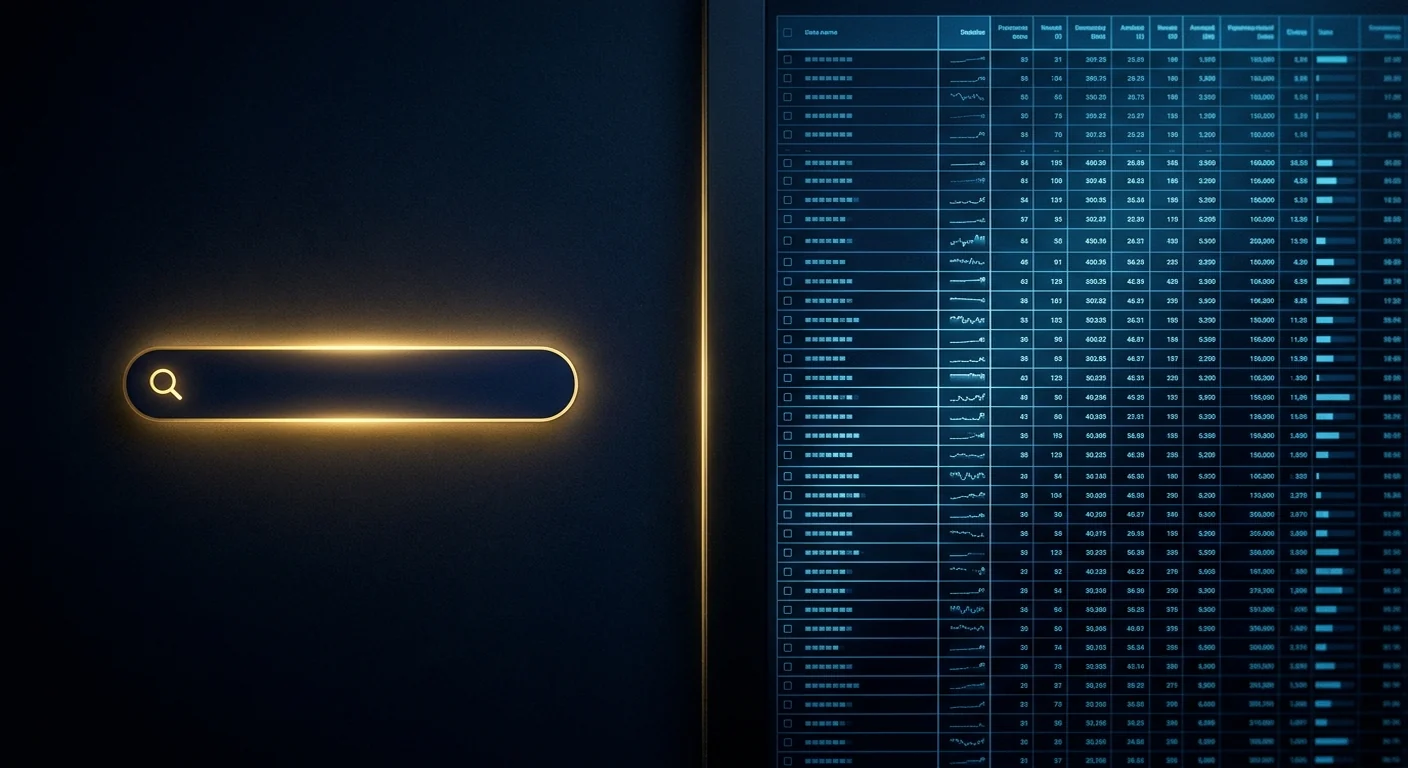
Raw data versus a reading of it. An explorer is a library. A scanner is a librarian who has already found the three pages you need.
The Short Version
- An explorer is authoritative and complete. A scanner is selective and opinionated.
- Use an explorer when you need to verify a specific fact: a hash, an amount, a timestamp, a contract call.
- Use a scanner when you do not yet know what to look for, or when you need a quick read on whether an address is worth your time.
- Explorers are the source of record. Anything a scanner shows you should be checkable on one.
- For a report or a dispute, cite the explorer. Use the scanner to find what to cite.
Two Tools, Two Jobs
A block explorer is a faithful rendering of the chain. It will show you every transaction, every internal call, every log event, every token transfer, in the order they happened. It does not decide what is interesting. That is the point, and it is also the problem: a wallet with 4,000 transactions rendered faithfully is 4,000 rows and no answer.
A scanner is the opposite. It queries the same data, applies a model of what matters, and returns a short list: balance, activity summary, counterparties, flags. It is faster to read and it is lossy by design.
The mistake people make is treating them as competitors. They are a pipeline. The scanner tells you where to look. The explorer proves what you found.
What an Explorer Does That a Scanner Cannot
| Capability | Explorer | Scanner |
|---|---|---|
| Verify a specific transaction hash | Yes, authoritative | Usually links out |
| Read a smart contract call and its logs | Yes, full detail | Rarely |
| See internal transactions and token approvals | Yes | Sometimes, summarised |
| Check a contract's source code and audit status | Yes | No |
| Confirm a block timestamp for a report | Yes | Approximate |
| Give a quick verdict on an unknown address | No, you must interpret | Yes |
If your question has a specific answer that exists on the chain, the explorer is the right tool and the scanner is a detour. If your question is "is this worth my time", the scanner saves you twenty minutes of reading.
What a Scanner Does That an Explorer Cannot
Three things, and they are all about interpretation.
It knows what normal looks like. An explorer will show you that an address received 200 transfers in a week. A scanner will tell you that this is a collection pattern. The data is identical; the reading is not.
It carries labels. Explorers increasingly show labels too, but a scanner's whole product is the label set: this is an exchange hot wallet, this is a mixer, this is a sanctioned entity. That context is what turns a list of addresses into a story.
It formats for a human under stress. Most people using these tools are not analysts. They are someone who just lost money and needs to know what to do next. A scanner that says "this address is 3 days old, has received 41 transfers, and forwards everything within minutes" is more useful in that moment than a table of 41 rows.
The Workflow That Uses Both
This is the sequence worth internalising, because it is how analysts actually work.
- Scan first. Paste the address into a scanner. Get the shape of it: age, volume, pattern, flags.
- Pick the two or three transactions that matter. Usually the one that took your funds, and the one where the funds left the address.
- Open those hashes in an explorer. Verify the amount, the timestamp, the sender, the recipient. This is where you stop trusting the scanner and start trusting the chain.
- Record the explorer URL for each hash. That URL is what you cite in a report, because anyone can open it and see the same thing.
- Go back to the scanner for the next hop. Repeat until the funds reach an exchange deposit address or the trail goes cold.
Done this way, the scanner is a search engine and the explorer is the citation. That is the correct relationship between them.
Which Explorer for Which Chain
| Chain | Common explorer | Note |
|---|---|---|
| Bitcoin | mempool.space, blockstream.info | mempool.space is fast and shows fee data well |
| Ethereum | Etherscan | The reference implementation; contract verification is best here |
| Tron | Tronscan | Essential for USDT-TRC20 cases, which are very common in consumer fraud |
| Solana | Solscan, Solana Explorer | Solscan shows token accounts more clearly |
| L2s | Each has its own, plus L2Beat for context | Bridging between L1 and L2 is where trails are most often lost |
For a multi-chain case, expect to use three or four explorers. There is no single explorer that covers everything well, and a scanner that claims to is usually linking out to the ones that do.
Which One to Cite in a Report
Cite the explorer, always. A bank's fraud team, a card issuer, and a police officer all need a source they can independently open. An explorer URL with a transaction hash is exactly that: permanent, public, and verifiable by anyone.
A scanner's summary is useful in the narrative of your report, as context. It is not the evidence. The evidence is the hash, the amount, the timestamp, and the addresses on both sides, all of which the explorer shows.
How to Read an Explorer Without Getting Lost
An explorer is only intimidating until you know which four panels matter. Everything else is detail you can ignore until you need it.
- Overview. Balance, total received, total sent, transaction count, first and last seen. This is the same information a scanner summarises, in raw form.
- Transactions. The list, newest first. Each row has a hash, a timestamp, a from, a to, an amount, and a fee. This is where you find the transaction that matters.
- Token transfers. Separate from transactions, because a token movement is a contract event rather than a native transfer. If your case is stablecoin, this is the panel you need, not the transactions panel.
- Internal transactions. Movements caused by a contract calling another contract. Easy to miss, and where value sometimes disappears to.
The mistake beginners make is reading the transactions panel when the money moved as a token. A USDT transfer does not appear as a native transaction with a USDT amount. It appears as a transaction with a zero native value, plus a token transfer event. If you only look at the first panel, the money appears to have vanished.
Why Timestamps and Block Heights Matter
Every claim you make about a wallet should be anchored in time, because everything about a wallet changes. A balance is true for one block. A transaction count is true for one block. A label can change at any moment.
So when you record a finding, record the block height as well as the date. A block height is unambiguous: it identifies exactly the state of the chain you were looking at, and anyone can reproduce it. A date is ambiguous, because "14 October" spans 24 hours and thousands of blocks.
For a report, the format that holds up is: "At block 21,483,902 (2026-10-14 09:22 UTC), address X held 4,200 USDT." That sentence cannot be argued with. "Address X holds 4,200 USDT" can be, because it is not true for long.
Questions people ask
Is a block explorer free?
Yes. Public explorers are free to use and are funded by advertising, API subscriptions, or both. There is no reason to pay to read a transaction.
Can a scanner show me things an explorer cannot?
Only interpretations: labels, risk scores, pattern summaries. Every underlying fact a scanner shows originates on the chain and is visible in an explorer. The scanner adds reading, not data.
Which is better for checking if an address is a scam?
A scanner, for the first pass, because it carries known-bad lists and pattern detection. Then an explorer to verify the specific transactions that made the scanner flag it.
Do explorers store my data?
A public explorer sees the address you look up and your IP, like any website. If that matters to you, use a scanner that queries public nodes from your browser, or accept that looking up a public address is a low-risk action.
Why do different explorers show different balances?
Timing, and whether they include unconfirmed transactions or token holdings in the headline figure. For a report, always state the block height or timestamp at which you read the balance.
Do I need an account to use a block explorer?
No. Public explorers are readable without an account. Accounts exist for API keys, alerts, and portfolio tracking, none of which you need to verify a transaction.
Why does an explorer show a transaction with zero value?
Because the value moved as a token transfer inside a contract call, not as a native coin transfer. Check the token transfers panel for the actual amount.
Check the address before you send anything
A free scan reads public chain data in your browser: balance, activity, counterparties and flags. No wallet connection, no seed phrase, no signup.
Primary sources and further reading
- mempool.space — open-source Bitcoin explorer and mempool visualiser
- Etherscan — Ethereum explorer and contract verification reference
- Tronscan — Tron explorer, essential for USDT-TRC20 cases
- Solscan — Solana explorer with token account detail
Related guides
Information only. We never promise recovery.