How to Find Your Bitcoin Address on Cash App
Cash App holds two different Bitcoin addresses for you, and confusing them is one of the most common ways people lose money on a transfer. One is a standard on-chain address that starts with a familiar prefix. The other is a Lightning address that looks like an email. A sender who uses the wrong one will either fail or, worse, send to an address that is not yours. Knowing which is which takes a minute and prevents a loss that cannot be reversed.
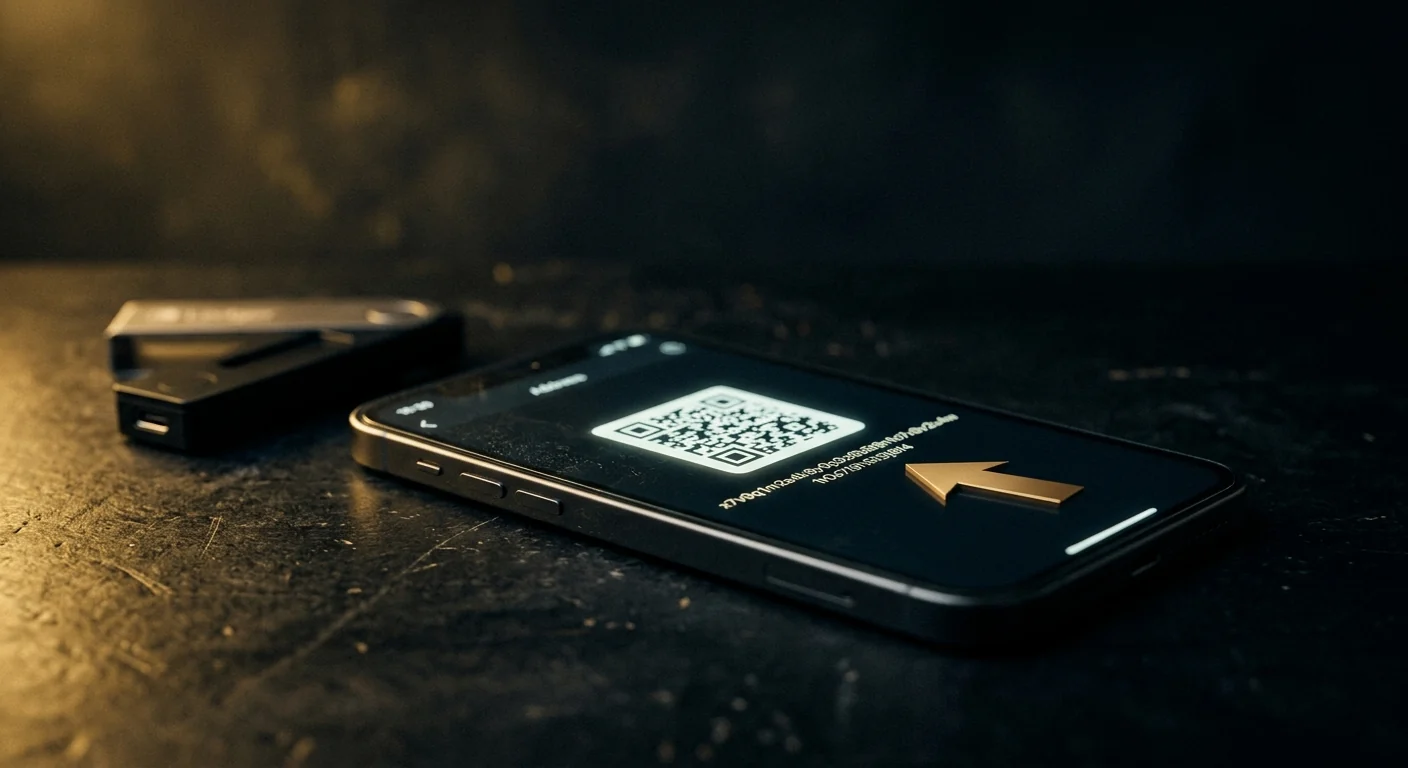
On-chain and Lightning are different rails. An address that starts with 1, 3 or bc1 is on-chain. Something that looks like an email is Lightning. They do not accept each other.
The Short Version
- Open Cash App → the Bitcoin tab → the arrow icon to receive. Your on-chain address is shown there.
- Tap the address to copy it, and always verify the first and last four characters after pasting.
- Your Lightning address looks like an email and is a different rail; do not give it to someone sending on-chain.
- Cash App rotates addresses for privacy, so an old address may still work but the current one is safest.
- A Bitcoin transfer cannot be reversed. If you sent to the wrong address, the money is gone unless the recipient returns it.
The Two Addresses, and Why It Matters
Cash App supports both on-chain Bitcoin and the Lightning Network. Each has its own address format, and they are not interchangeable.
| On-chain address | Lightning address | |
|---|---|---|
| Looks like | bc1q..., 1... or 3... | An email-style string, e.g. [email protected] |
| Speed | Minutes to an hour | Seconds |
| Fees | Network fee, varies | Usually near zero |
| Who can send to it | Any Bitcoin wallet or exchange | Only Lightning-capable wallets |
| Reversible | No | No |
If a sender asks for your "Bitcoin address" and you give them the Lightning one, the transfer will fail or be rejected. If they ask for a Lightning address and you give them an on-chain one, the same. Match the rail to the request.
Finding Your On-Chain Address
Work through the app.
- Open Cash App and tap the Bitcoin tab (the ₿ icon).
- Tap the receive arrow — usually a downward arrow or "Add Bitcoin".
- Your address is displayed with a copy button and a QR code.
- Copy it, then verify the first and last four characters after pasting.
- Send the QR code where possible; it removes transcription errors entirely.
Cash App may show a new address each time you open the receive screen. That is normal privacy behaviour, and older addresses usually still work.
Finding Your Lightning Address
The Lightning address is tied to your $cashtag and looks like an email.
- Open the Bitcoin tab and look for the Lightning option or the receive screen.
- Your Lightning address is shown in the email-style format.
- Confirm the sender supports Lightning before giving it out.
- Do not use it for exchange withdrawals unless the exchange explicitly supports Lightning.
Verifying Before You Send
Bitcoin transfers are final. Verification is not optional.
- Check the first and last four characters of the address against the source, character by character.
- Send a small test amount first for any new recipient, and confirm it arrives before sending the rest.
- Never accept an address from a chat message during a live conversation; that is the setup for address-swapping malware.
- Check the address on a public explorer before sending, to see whether it has any history or flags.
If You Sent to the Wrong Address
Be clear about the reality: an on-chain Bitcoin transfer cannot be reversed by Cash App, by your bank, or by anyone else. The only way funds come back is if the recipient chooses to return them.
- Check whether the address belongs to you — a second wallet, an exchange account, or an old app.
- If it is an exchange deposit address, contact that exchange immediately with the transaction ID; they can sometimes credit it.
- If it is a stranger, your only route is to ask, and to report it.
- Do not pay a "recovery" service that contacts you first.
What You Can Still Do: Trace It
You cannot reverse it, but you can document it. A public blockchain record is permanent and readable by anyone.
- Copy the transaction ID from Cash App and look it up on a public explorer.
- Note where the funds went next: a single hop, a consolidation, or an exchange deposit.
- If funds reached a known exchange, that is the one place a freeze can be requested, usually via law enforcement.
- Save the trace as a dated record for any police or legal step.
Once you have the address, the next question is what the ledger can prove, and whether stolen Bitcoin can be traced answers it.
A Note on Address Rotation
Cash App may present a different address each time you open the receive screen. This is standard practice: reusing one address links all your incoming payments together on a public ledger.
Older addresses usually continue to work, so a payment sent to a previous address is not lost. But for anything you are about to receive, use the current address shown in the app, and treat any address you copied more than a few days ago as worth re-checking.
Habits That Prevent the Loss
- Always send a test amount first for a new recipient.
- Use the QR code rather than typing or pasting an address.
- Confirm the rail — on-chain or Lightning — before sharing any address.
- Never send to an address from a message you did not initiate.
Questions people ask
Where do I find my Bitcoin address on Cash App?
Open Cash App, tap the Bitcoin tab, then tap the receive arrow. Your on-chain address is shown with a copy button and a QR code. Tap to copy it, and verify the first and last four characters after pasting.
What is the difference between my Cash App Bitcoin address and my Lightning address?
The on-chain address starts with bc1, 1 or 3 and works with any Bitcoin wallet or exchange. The Lightning address looks like an email and only works with Lightning-capable wallets. They are different rails and do not accept each other, so match the address to what the sender supports.
Why does my Cash App Bitcoin address keep changing?
Cash App rotates addresses for privacy, so that all your incoming payments are not linked together on the public ledger. Older addresses usually still work, but for anything you are about to receive, use the current address shown in the app.
Can I reverse a Bitcoin transfer sent to the wrong address?
No. An on-chain Bitcoin transfer is final and cannot be reversed by Cash App, your bank, or anyone else. If the address belongs to an exchange, contact that exchange with the transaction ID, as they can sometimes credit it. Otherwise, only the recipient can return the funds.
How do I check where my Bitcoin went?
Copy the transaction ID from Cash App and look it up on a public blockchain explorer. You can see the amount, the destination address, and where the funds moved next. If they reached a known exchange, that is the one place a freeze can be requested, usually through law enforcement.
Check the address before you send anything
A free scan reads public chain data in your browser: balance, activity, counterparties and flags. No wallet connection, no seed phrase, no signup.
Primary sources and further reading
- Cash App — Bitcoin help — official guidance on receiving and sending Bitcoin in the app
- Bitcoin.org — how on-chain addresses and transactions work
- Lightning Network — the second-layer rail and how it differs from on-chain
- FBI Internet Crime Complaint Center — federal reporting when a crypto transfer is lost to fraud
Related guides
Information only. We never promise recovery.